
Skip to content

Data Wiping

Your data. Securely removed.

Retired equipment rarely leaves a business empty. Before your old hardware moves on, eligible storage can be securely wiped — either at your own premises or at our facility, with documentation to record it.

Why It Matters

Equipment usually leaves the building still holding data

Not because anybody was careless, but because clearing out old kit is rarely anyone's main job. The information does not have to be dramatic to be worth removing — old email, customer records, saved credentials and half-forgotten backups all count.

  • It is not only the obvious devices

    Laptops and loose drives are the ones everybody thinks of. Configuration, credentials, cached files and logs also sit on servers, storage, network hardware and tablets — and anything with a drive inside it is worth checking.

  • Deleting is not the same as erasing

    Deleting a file or reformatting a disk generally removes the reference to the data rather than the data itself. Until that space is overwritten, the underlying information can often still be read back.

  • Decommissioning happens in a hurry

    Equipment tends to be cleared out under time pressure, by whoever is available. Machines come out of cupboards with drives still fitted, and nobody is quite sure which of them were ever in production.

  • Wiping and destruction are different jobs

    A wipe is meant to remove the data and leave a working device that can go back into use. Destruction is for media that cannot be wiped reliably. Deciding which applies is part of the job, not an afterthought.

Device showing a lock icon, representing secured data

Agreeing what happens to data-bearing devices before they leave your premises is the simplest way to keep the whole thing straightforward. That conversation takes a few minutes at enquiry stage.

Two Ways To Do It

Wiped at your premises, or wiped at ours

Both routes are available. Which one suits you comes down to how sensitive the equipment is, how much of it there is, and whether it is allowed to leave the building before it has been wiped.

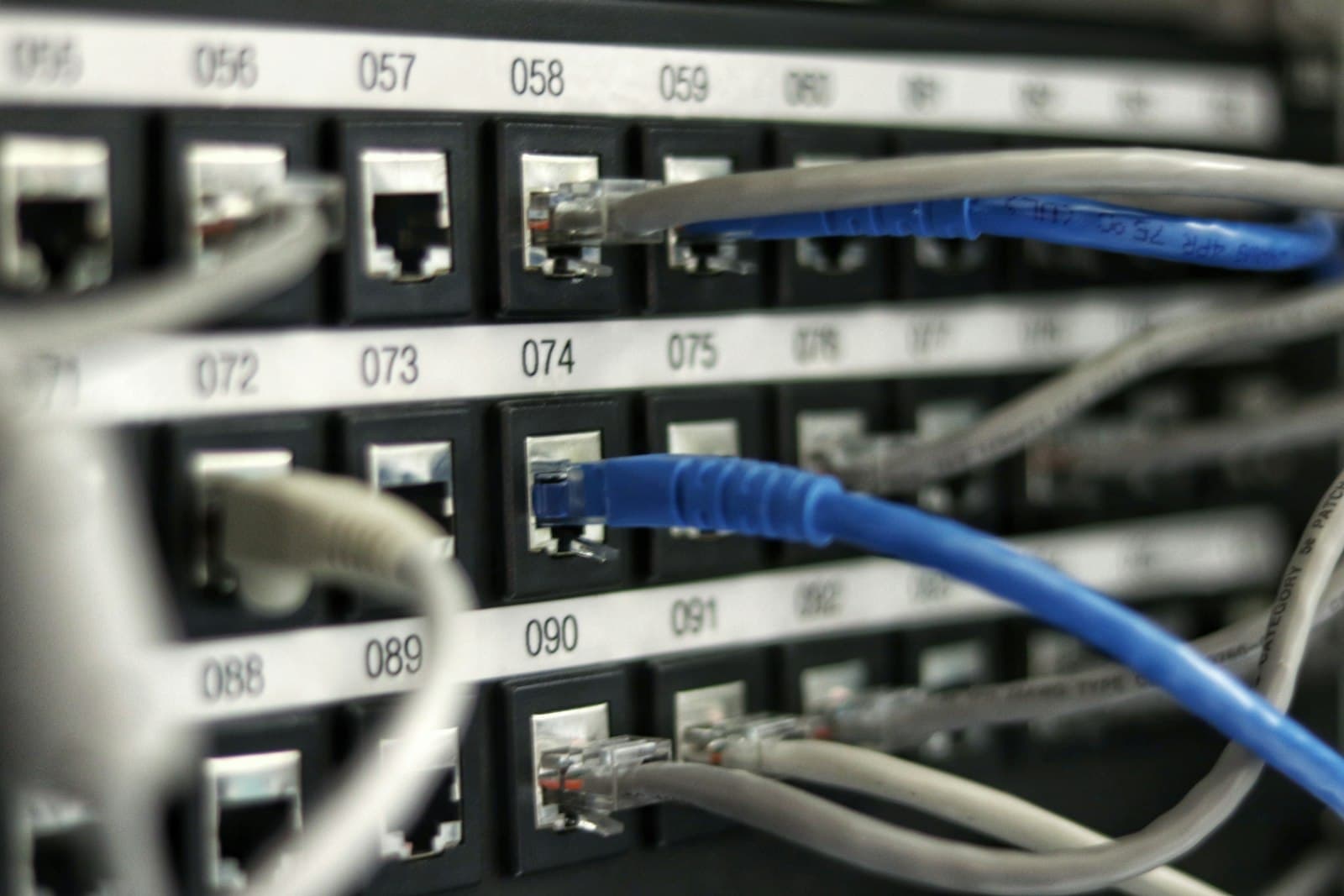
Structured cabling and patch panels in a network room

Option one

On-site data wiping

Where appropriate, data wiping can be carried out at your own premises, so data-bearing devices do not have to leave the building unwiped.

What it suits

  • Equipment your own policy does not allow to leave site with data still on it
  • Server rooms and comms cabinets being stripped out in place
  • Jobs where somebody on your side wants to see the work happen

What you get

  • Data-bearing devices wiped before anything is loaded onto the vehicle
  • Asset details recorded on site as the work is carried out
  • Anything that cannot be wiped identified and agreed with you before it moves
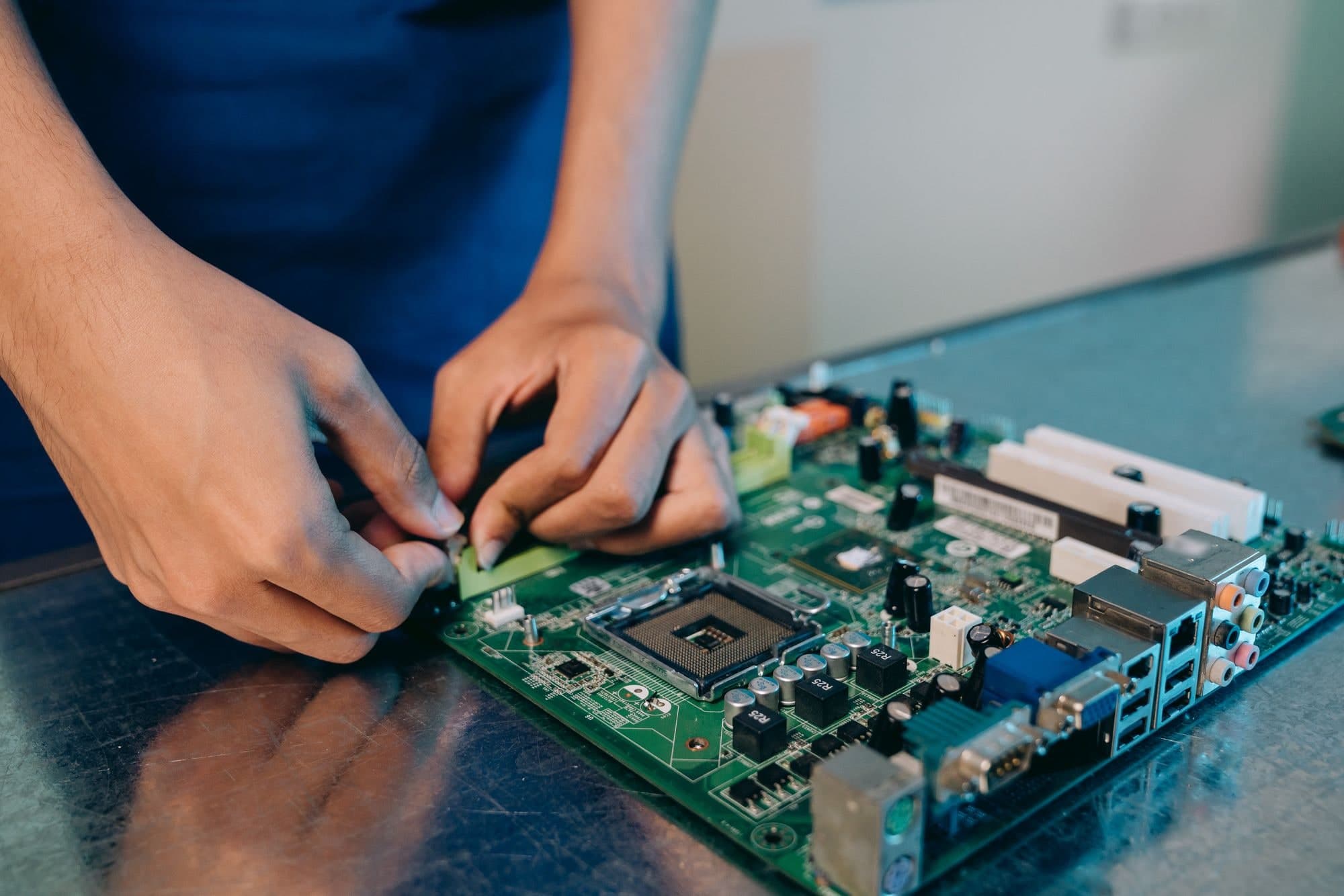
Technician working on a circuit board at a repair bench

Option two

Wipe and certificate

Equipment can be collected, booked in and securely wiped at our facility, with documentation provided to record the completed erasure.

What it suits

  • Larger or mixed batches that are easier to process off site
  • Loose drives, spares and store-cupboard clear-outs
  • Sites with no space, time or supervision available on the day

What you get

  • Assets recorded on arrival, then wiped and checked
  • Documentation recording the erasure that was carried out
  • Media that cannot be wiped handled by physical destruction instead

Not sure which one you need? Describe the equipment and we will tell you which route makes sense.

Scope

What we can wipe

These are the categories that routinely hold data. The list comes straight from what we buy, so the two stay in step — if it is on this page, it is equipment we already handle.

Some media cannot be wiped, and is destroyed instead

Drives that will not spin up, damaged or unreadable media, and devices that cannot be booted are handled by physical destruction rather than being passed on. Where that applies to something of yours, we tell you — it does not disappear quietly into the batch.

Not certain whether something on your list holds data? Send it over with everything else and we will flag it.

See everything we buy

The Process

Identify, record, erase, verify, document

The same five steps whether the work happens on your site or at ours. Nothing is skipped because a batch is small.

  1. 01

    Identify data-bearing assets

    Everything in the batch is sorted, and anything capable of holding data is separated from general equipment rather than treated as one pile.

  2. 02

    Record asset details

    Make, model and serial number are captured per asset, so any documentation issued afterwards can refer to specific devices rather than a rough count.

  3. 03

    Erase eligible storage

    Eligible storage is erased using the method agreed with you before the work starts. Devices that cannot be erased are set aside at this point instead.

  4. 04

    Verify the result

    The outcome is checked before a device moves on. Anything that does not come back clean is pulled out and handled by physical destruction rather than passed along.

  5. 05

    Document what was done

    Where wiping has been requested, documentation recording the completed erasure is issued, referencing the assets it covers.

Per-asset records are the part that makes step five worth having. Capturing make, model and serial number as we go means the documentation can point at specific devices, rather than saying that some equipment was wiped at some point.

Agreed with you before any work begins

Details of the erasure method and the documentation issued are confirmed with you before any work begins. If you have a specific requirement — a particular approach, a particular format of record, or somebody from your side present while it happens — raise it at enquiry stage and we will tell you plainly what we can and cannot do.

Confirmed up front

  • Which devices are in scope, and which are not
  • Whether the work happens at your premises or at our facility
  • What happens to media that cannot be wiped
  • What the documentation you receive will record

Questions

Data wiping questions

The things people ask before they hand anything over. If yours is not here, ask us directly.

Does wiping destroy the device?

No. The point of wiping is to remove the data and leave a working device, which is exactly why wiped equipment can go on to be refurbished, resold or used for parts. Physical destruction is a different route, used for media that cannot be wiped reliably — that does destroy the media, and those items are not resold as storage.

Can you wipe drives you are not buying from me?

Ask us. Wiping is most commonly arranged alongside equipment we are buying or collecting, but tell us what you have and what you need to happen to it and we will confirm whether we can help.

What about devices that will not power on?

A device that will not power on cannot be wiped in the normal way. Tell us about them at enquiry stage rather than leaving them in the batch, and we will agree the approach with you before collection — a dead machine still needs its drive accounting for.

Will I get a certificate?

Where data wiping is requested, documentation recording the completed erasure is provided. What that documentation covers is confirmed with you before the work begins, so there are no surprises when it lands.

Can you wipe on site?

Where it is appropriate, yes. Whether it is practical depends on the quantity, the types of device, and access to the room they are in, so it is worth raising early. If on-site wiping is not workable for your job we will say so and set out the alternative.

What happens to drives that fail the wipe?

They do not go back into circulation as storage. A drive that cannot be erased, or that cannot be confirmed as erased, is handled by physical destruction instead, and it is flagged to you rather than quietly dropped from the batch.

Talk through your data wiping requirements

Tell us what the equipment is, where it is, and what needs to happen to the data on it. We will come back with what we can do and what it involves.